
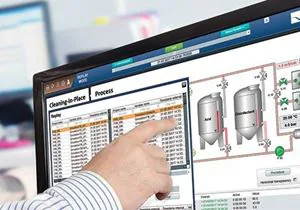
What ThinManager does
ThinManager, from Rockwell Automation, manages thin client content and sessions centrally, in factories, industrial automation and offices.
It manages both the servers and the terminals, with full server failover and redundancy, and assigns content and interactive sessions to each terminal across a site: FactoryTalk SCADA / HMI, Microsoft RDP, VNC, IP camera feeds and more. It often runs on VMware ESXi virtual servers.
STX Technology as a ThinManager client
STX Technology industrial touch computers, touch panel PCs and rugged computers can be set to network (PXE) boot and be configured remotely by ThinManager, which makes them an effective HMI for Remote Desktop Services or FactoryTalk clients.
They can be supplied with no hard drive or operating system. The boot device is set to PXE, and the ThinManager firmware is downloaded at start-up over TFTP. Touch screens, mice, keyboards and other peripherals stay fully usable.
The whole range works as ThinManager thin clients: panel PCs, industrial computers, rugged computers and stainless steel harsh-environment touch computers. STX Technology provides a simple set of instructions for setting up ThinManager clients and PXE boot.
The ThinManager and PXE boot set-up instructions STX Technology provides: to link from Drivers and downloads once supplied.