
KVM touch screen monitors: up to 100 m over one cable
A KVM monitor puts the screen on the line and keeps the computer up to 100 m away, in a dry, clean room. Video, touch, keyboard and mouse travel over one CAT6 cable. Offered on almost every STX Technology range, 8.4" to 55".
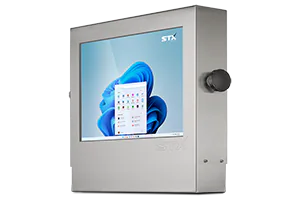
How a KVM monitor works
KVM stands for keyboard, video and mouse. A KVM extender normally means two boxes: one at the computer and one at the screen. An STX Technology KVM monitor has the screen end built in, so there is one box at the computer and one cable to the monitor.
The computer stays somewhere dry and clean: a server room, an office, a control room. Only the monitor goes into the washdown area, the freezer or the dusty floor, so there is less to clean around and less to go wrong.
KVM monitors by range
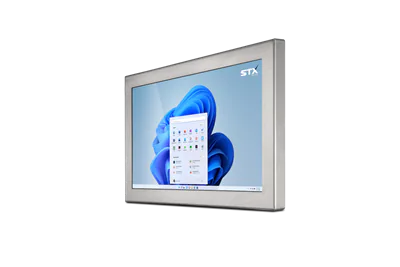
X7500 stainless KVM monitor
8.4" to 27"
For washdown and wet plant.
Choose options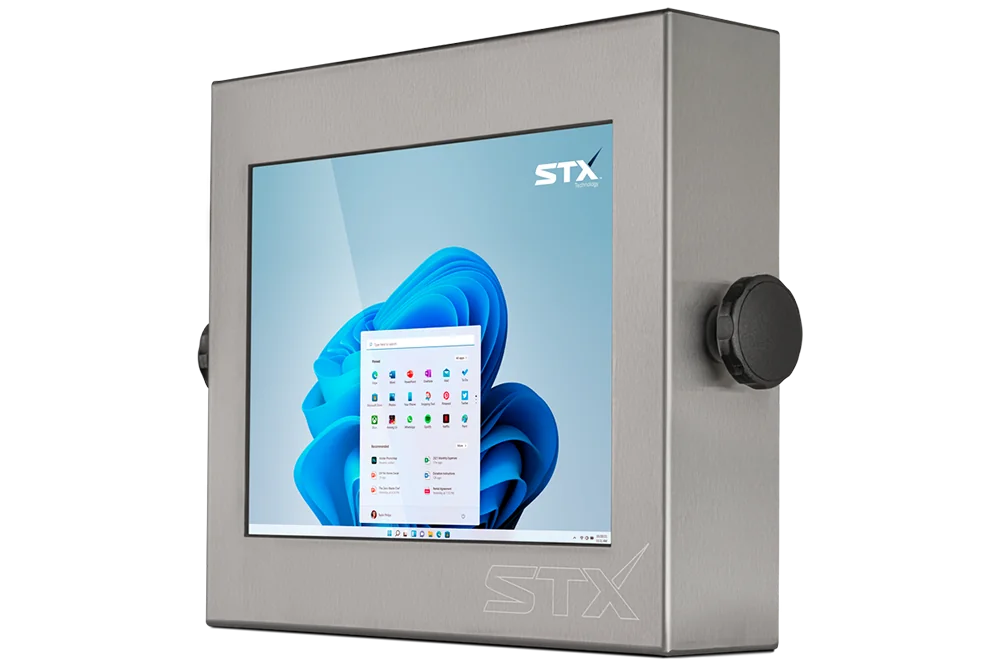
X7000 stainless KVM monitor
10.4" to 24"
For washdown areas.
Choose options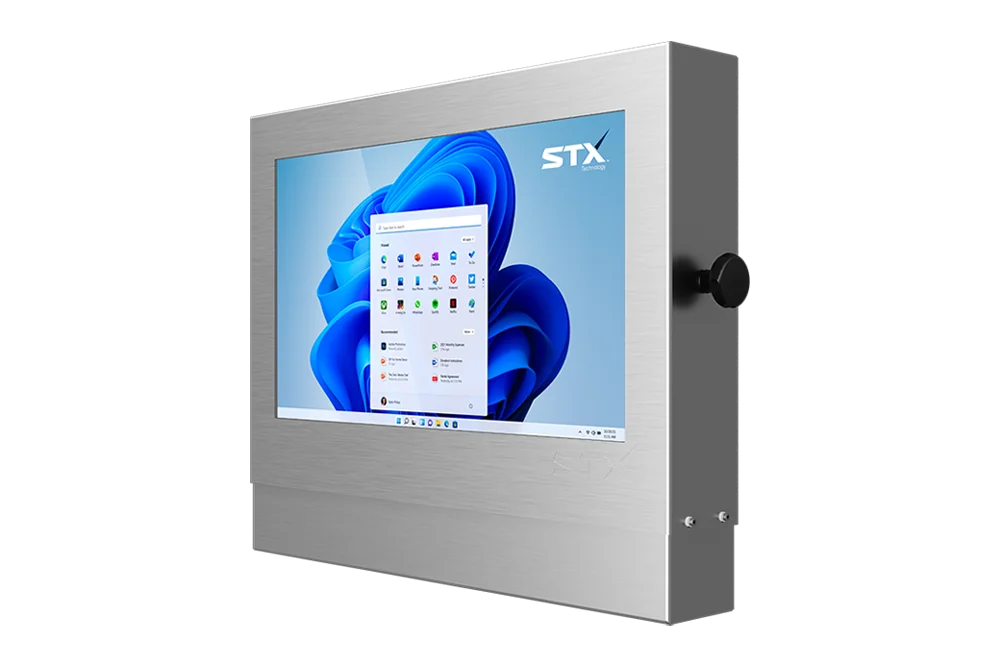
X9000 heavy washdown KVM monitor
10.4" to 24"
Protected connectors.
Choose options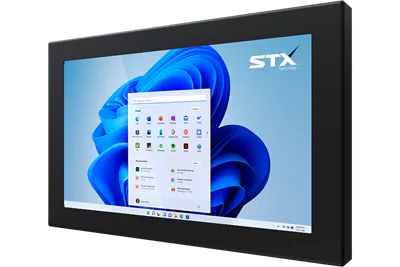
X7600 aluminium KVM monitor
8.4" to 27"
Waterproof and lighter.
Choose options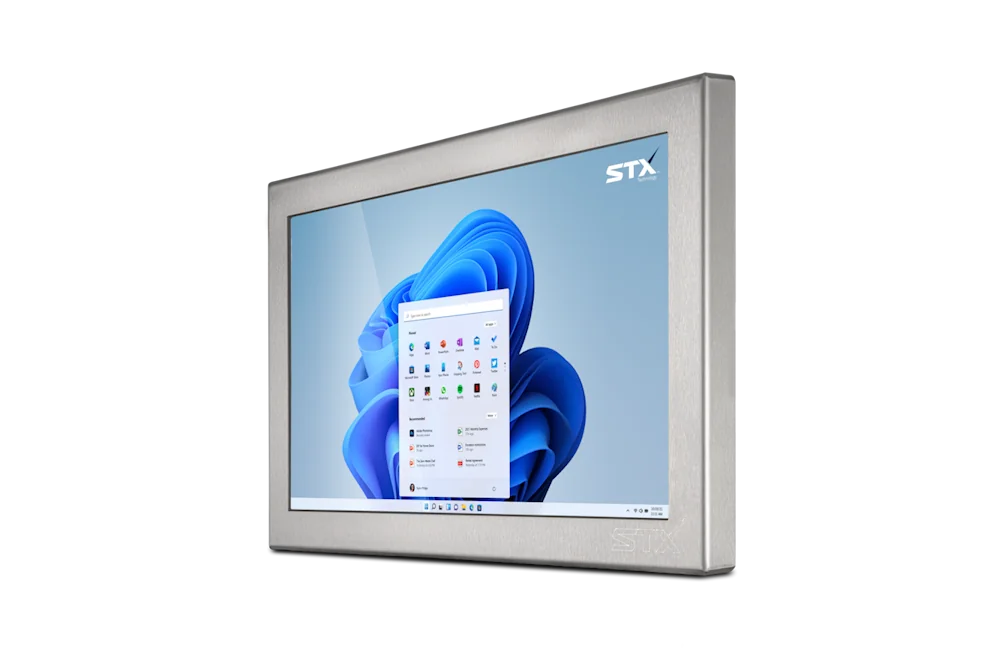
X7200 stainless KVM monitor
8.4" to 27"
For dry areas.
Choose options
Large format KVM monitors
32" and 43"
Status boards on the floor.
Choose optionsKVM questions
What is a KVM touch screen monitor?
A touch monitor with a KVM extender built in: the computer sends video and takes touch, keyboard and mouse back over one network cable, up to 100 m.
What cable does it use?
One CAT6 cable, up to 100 m.
Why not put the computer at the screen?
Where the area is washed down, frozen or dusty, a computer kept in a dry room is easier to look after, and the monitor on the line has less inside it.
Which ranges offer a KVM monitor?
The X7000, X9000, X7500, X7600, X7200, X7300, X5200, X5400 and XRH7000, and the large formats (the X7500 large format to 43").
Does it work with any computer?
The box at the computer takes its video and USB. Tell us the computer and its video output and the team confirms the set.
How far away is the computer?
Tell us the distance, the room the computer is in and what it runs. A technical person replies with the monitor and the set that suits.
Talk to our UK team.
Tell us where it has to work and what it has to do, for a quick reply.
STX Technology worldwide
Talk to our UK team, with STX Technology in New Zealand, Australia, the UK and North America.
* IP66 and NEMA 4X equivalent: a guide to the protection the enclosure gives. Washdown differs from plant to plant (pressure, temperature, chemicals, distance). Tell us about yours and we will confirm what suits it. IP69K is an option, not the standard. For some models and sizes it may still be in development: ask us whether it is available for yours.